VENDE EN WHATSAPP SIN PARAR
Tu asistente de ventas IA atiende clientes, responde consultas y cierra pedidos las 24 horas. Listo en minutos.
- Registro QR Instantáneo
- Inventario Conversacional
- Ventas 24/7 Turno Nocturno
- Pagos QR y Tarjeta Local
Cómo Tepyx Potencia Tu Tienda
Conecta tu cuenta de WhatsApp, establece tu inventario digital y deja que tu agente de ventas IA haga el trabajo duro. Desliza para explorar tu nueva operación automatizada.
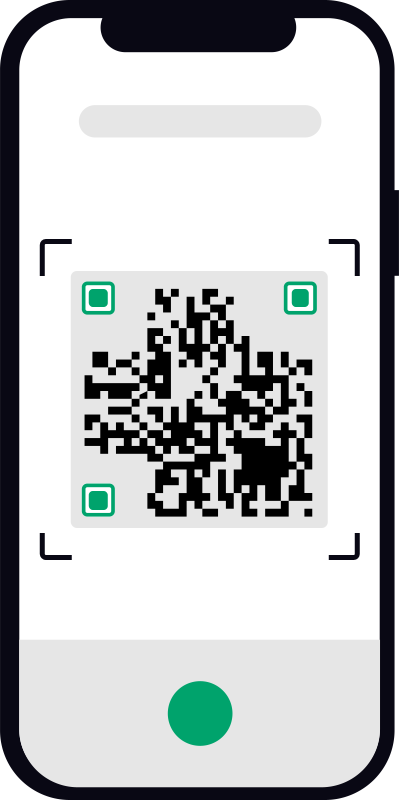
Activación QR Segura
Inicializa tu agente automatizado en menos de 5 minutos. Simplemente escanea el código QR seguro generado en tu pantalla usando la cámara de tu teléfono. Esto conecta instantáneamente Tepyx con tu cuenta de WhatsApp Business sin configuraciones API complejas.
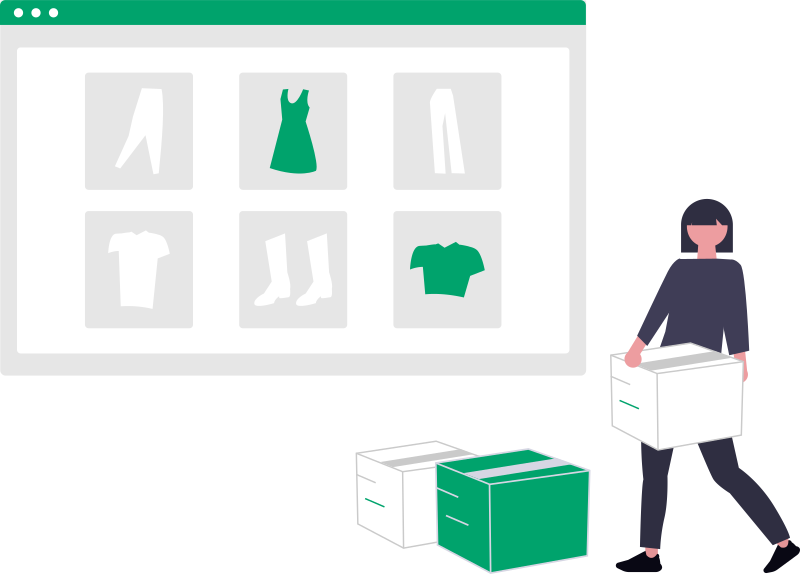
Sube Tu Catálogo
Alimenta tu agente IA con tus hojas de precios dinámicas, PDFs básicos o fotos. ¿Prefieres un flujo mobile-first? Omite documentos completamente: envía un mensaje directo a tu bot con foto del artículo, nombre y precio para construir tu inventario de ventas activo al instante.
Ventas Nocturnas Automáticas
Tu agente toma control total del tráfico nocturno y de fines de semana. Gestiona dinámicamente consultas repetitivas de clientes sobre tallas, precios y logística de envíos, asegurando ventas potenciales mientras descansas o pasas tiempo con la familia.

Registro de Ventas
Cada interacción exitosa entrena el sistema neural central. La IA registra automáticamente qué respuestas exactas generan las conversiones más altas para tu mercado objetivo específico, optimizando sistemáticamente futuras conversaciones para aumentar tus ingresos.

Crea tu cuenta de Tepyx y automatiza tu negocio en minutos.
Control Total Sobre Tu Tienda Digital
Mira en acción cómo Tepyx transforma la gestión de tu negocio. Elige uno de los videos para ver la experiencia desde tu panel administrativo o desde la perspectiva de tus clientes en WhatsApp.
AUTORIZA TU PERFIL DE TIENDA. INICIALIZA UNA SESIÓN DE AGENTE SEGURA PARA COMENZAR A IMPULSAR TU CONVERSIÓN DE INGRESOS EN 5 MINUTOS.
Todo lo que Necesitas Saber para Empezar
Respuestas directas a las preguntas más frecuentes de dueños de negocios antes de activar su vendedor de WhatsApp.
Escríbenos directamente y te ayudamos a conectar tu catálogo y configurar tu vendedor en 5 minutos.
Regístrate en menos de 1 minuto y recibe tus 100.000 tokens de bienvenida sin ingresar tarjeta de crédito.